
Why Source Matters More Than Speed
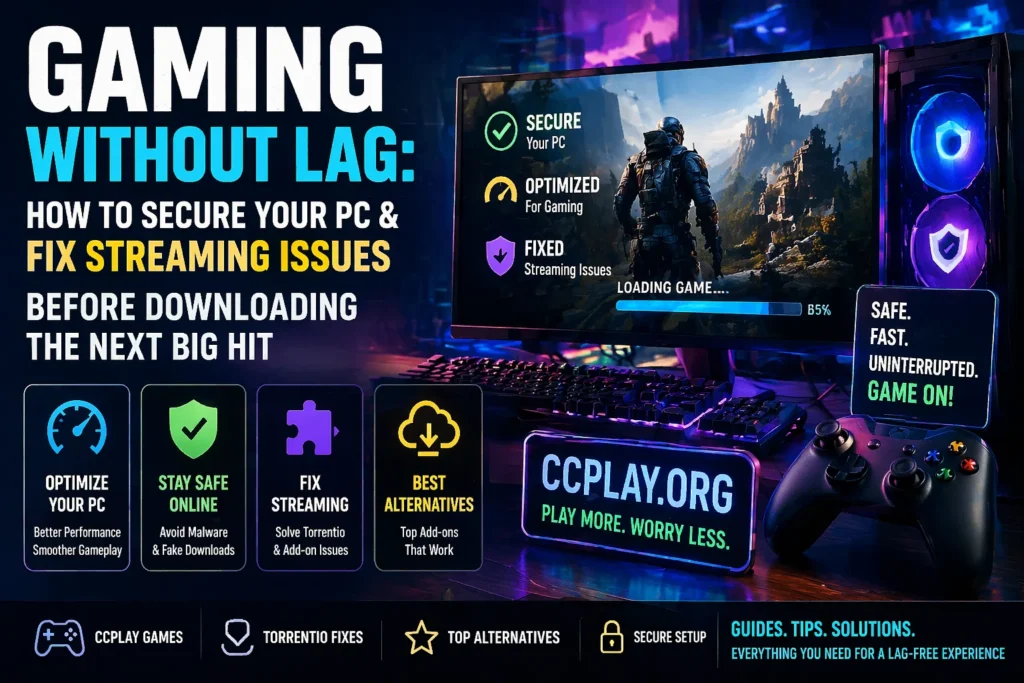
When you download any file—a game mod, a save file, or a full PC title—the source is everything. Free game websites are often filled with fake download buttons and hidden trackers. For gamers who rely on peer-to-peer (P2P) technology to access older or rare games, this risk doubles.
You need trusted indexes that verify uploads. If you ever venture into downloading larger game files or streaming via Stremio, you must understand how tools like Torrentio work and what to do when they fail.
Part 1: Optimizing Your Browser for CCPlay Games
CCPlay hosts a variety of browser-based games, from retro arcade titles to modern WebGL experiences. To ensure smooth gameplay without lag or stuttering, follow these simple steps:
1. Clear your browser cache weekly. A full cache slows down game loading times.
2. Disable unnecessary browser extensions. Ad-blockers are useful, but too many extensions eat RAM and cause input delay.
3. Enable hardware acceleration. This setting allows your graphics card to handle game rendering instead of your processor.
4. Use a modern browser. Chrome, Edge, or Firefox regularly update security patches.
These small changes can double your frame rate in browser games. A clean browser also means fewer security holes for malware to sneak through.
Part 2: How to Spot Fake Download Buttons
One of the biggest dangers for online gamers is malvertising. On many third-party sites, the big green “Download” button is actually spyware or adware disguised as a game installer. Here is how to stay safe:
· Check file size. If a 50GB game shows as a 2MB file, it is fake.
· Read user comments. Never download without checking feedback.
· Look for SSL certificates. Secure sites start with “https.”
If you use torrent-based tools for game archives or streaming, always verify the health of your add-ons. When a tool like Torrentio stops working, it is often due to server issues or misconfigurations. You can learn how to diagnose and fix these problems by reading our detailed guide:
This resource covers everything from add-on reinstallation to DNS tweaks—skills that are equally useful for gamers downloading large ISO files.
Part 3: Is Torrentio Down? How to Fix Streaming & Download Issues
Many gamers use Stremio with the Torrentio add-on to stream game trailers, walkthroughs, or even full gaming documentaries. But what happens when Torrentio suddenly stops working?
Before you blame your internet, understand that it may be Torrentio down due to:
· Server or hosting problems
· Outdated add-on or app versions
· Cache and temporary data buildup
· ISP blocking or internet restrictions
If you see error messages, blank screens, or “no streams found,” do not panic. Our comprehensive guide explains exactly why this happens and how to fix it: Quick fixes include restarting your device, updating the add-on, clearing cache, or using a VPN to bypass ISP throttling. These troubleshooting steps are identical to what you would do when a game launcher fails to load.
Part 4: Best Torrentio Alternatives for Uninterrupted Gaming & Streaming
Sometimes, even after troubleshooting, Torrentio remains unreliable due to extended server downtime. In such cases, you need backup options. Gamers and streamers alike benefit from having multiple tools at their disposal.
Here are the top alternatives that work seamlessly with Stremio and can also help you find gaming-related torrents:
| Add-on | Best For | Key Feature |
| MediaFusion | All-around streaming | Supports Real-Debrid, large library |
| Jackettio | Advanced users | Access to private torrent trackers |
| Comet | Speed & performance | Lightweight, multiple debrid services |
| Orion | Smart ranking | Aggregates links by quality & reliability |
| Peerflix | Instant playback | Stream while downloading |
For a complete breakdown of each alternative, including installation tips and pros/cons, visit our dedicated guide: Using multiple add-ons ensures you never face downtime during your gaming or streaming sessions.
Building a Safe Gaming & Media Setup
A well-organized PC is a fast gaming PC. Here is a simple setup that works for both CCPlay browser games and larger downloaded titles:
· Install your OS on an SSD. This keeps Windows fast.
· Install CCPlay-supported browsers on the same SSD. Browser cache loads quicker.
· Use a separate hard drive for large game downloads. This keeps your main drive clean and prevents fragmentation.
When downloading larger game files via torrent tools, always direct the download to your secondary drive. Then scan the files with antivirus software before moving them. Using trusted add-ons like those listed above, and knowing how to troubleshoot them via the guides provided, will keep your system secure and your gameplay smooth.
Frequently Asked Questions (FAQs)
Q1: Can I use Torrentio to download game ROMs or ISO files?
Yes, Torrentio aggregates torrent links, which may include game files. However, always respect copyright laws and only download content you have the right to access.
Q2: What should I do first if Torrentio is not showing any streams?
Restart Stremio, check your internet connection, and then follow the step-by-step fixes in our.
Q3: Are Torrentio alternatives free?
Most are completely free. Some advanced features (like premium debrid integration) may require a paid subscription, but the basic functionality remains free.
Q4: Will using a VPN slow down my gaming on CCPlay?
A high-quality VPN may add minimal latency. For browser games, use a VPN only when downloading or streaming; disable it for competitive twitch gaming.
Q5: How often should I clear my browser cache for optimal CCPlay performance?
At least once a week, or immediately if you notice slow loading on CCPlay games.
Conclusion
Gaming should be fun, not frustrating. Whether you are enjoying quick matches on CCPlay or downloading classic titles via torrent tools, digital hygiene matters. Keep your browser optimized, verify every download source, and never ignore user feedback.
If you rely on Torrentio for streaming game-related content, remember that downtime is normal but fixable. Bookmark our three essential guides: